 Flag It First
Got a 'Hi Mum, New Number' Message? Do This First
Video · 3:14 · published 31 Oct 2026 · sources checked October 2026
Playing this video loads YouTube, which may set cookies. Watch on YouTube instead.
Quick answer
- New number? Call the old one: the number you already have saved, not the new one.
- Even their real name isn't proof: Report Fraud says hacked accounts are used to impersonate family and friends.
- Can't reach them? Check with someone you know, or ask a question only they'd know.
- Already paid? Call your bank on 159 straight away.
The message
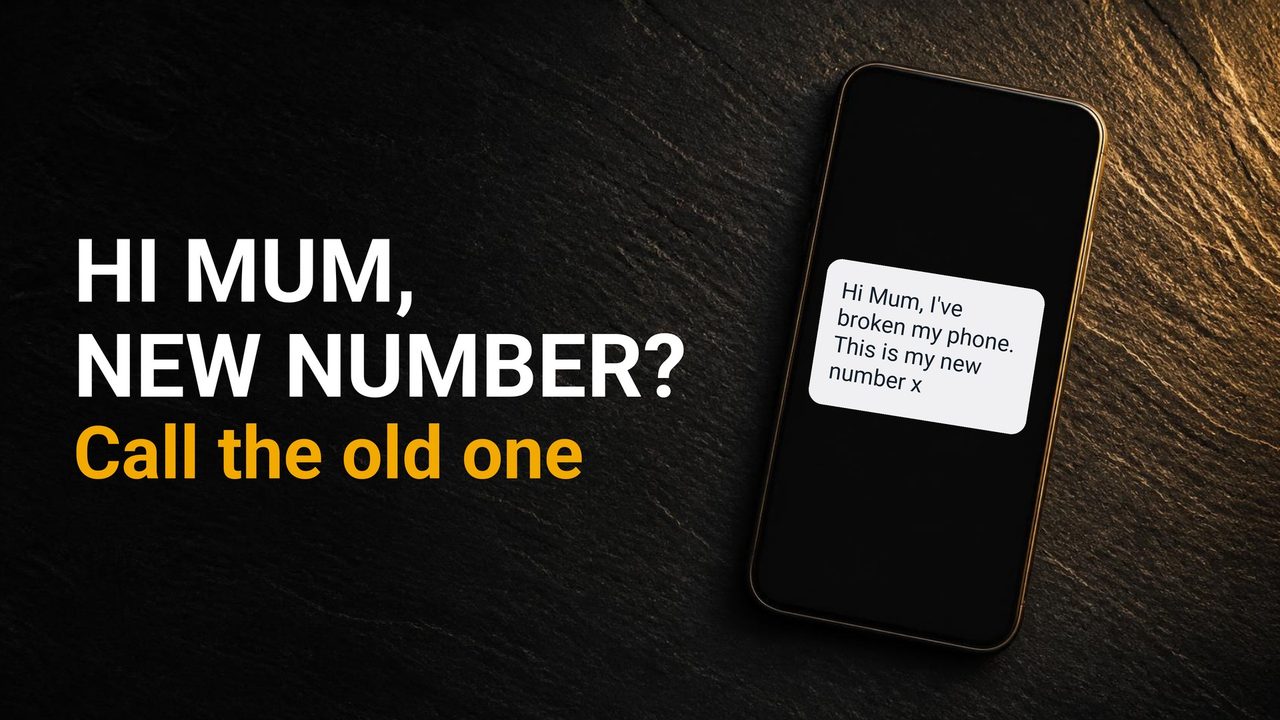
"Hi Mum, I've broken my phone. This is my new number." Got that message? Don't send anything yet. Call them first, on the number you already have saved. Not the new one. That one call stops this scam. Here's how it works, the version that comes from a real account, and what to do if you've already paid.
How it works
It starts with "Hello Mum" or "Hi Dad", from a number you don't know. They say their phone was lost or broken. Then comes the ask: money for a new phone, or a bill that has to be paid today. They send bank details. And if you pay once, they often ask again. Watch for three signs. It's vague: no names or nicknames. There's always a reason they can't talk on the phone. And it's urgent. Only criminals will try to rush or panic you.
When it comes from their real account
Now, the version that catches careful people. Report Fraud says hacked accounts being used to impersonate family and friends is a common theme in its reports. So the message can show their real name and photo. A familiar name isn't proof. Report Fraud's advice: contact them another way. In person, by text, or by phone.
The check
Here's the check. WhatsApp's own advice is simple. If they messaged you on WhatsApp, call them on their phone. Use the number you already know, not the one in the message. Can't reach them? Check with someone you already know, who can confirm. You can also ask a question only the real person could answer. Don't send money until you've spoken to them.
Block and report
If it's a scam, don't argue with them. Block and report the number in WhatsApp. In the chat, tap the three dots, then More, then Report. Tick Block too, then tap Report.
Already paid?
If you've already paid, you're not stupid. Scammers rely on kindness. Contact your bank immediately. Call 159. It can't be spoofed or impersonated. Then tell the police at reportfraud.police.uk, or 0300 123 2040. In Scotland, call Police Scotland on 101.
Don't be the next hacked account
One more thing. Make sure your own account can't be used against your family. Turn on WhatsApp two-step verification: Settings, Account, Two-step verification. And never share the 6-digit code WhatsApp texts you. Not even with family.
Sources
- wired-gov.net
- natwest.com
- takefive-stopfraud.org.uk
- wired-gov.net
- about.fb.com
- about.fb.com
- stopscamsuk.org.uk
- reportfraud.police.uk
Flag It First is independent and not affiliated with WhatsApp, Meta, any bank or the police. General information, not legal or financial advice. Menu names can vary by phone model and software version. On-screen phone screens in the video are mock-ups or masked screen recordings. Some background images are AI-generated, and the voiceover is AI-generated.